Know your fit.
Apply with a CV made for the role.
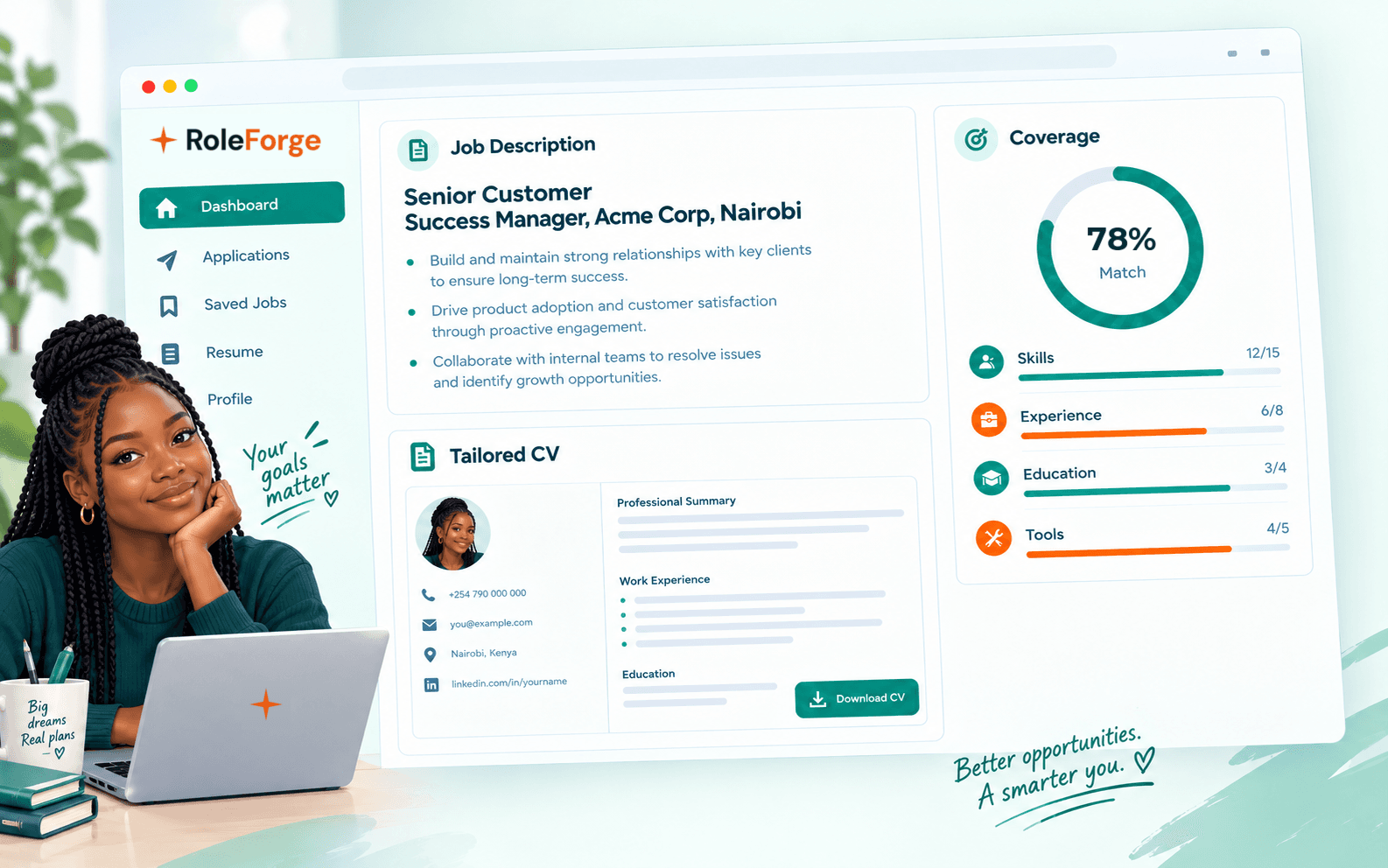
Pick a role and see which of its requirements your experience already covers, and which it does not. Then get a CV and cover letter rewritten for that job from what you have really done, and keep every application on one board.
We never charge you to apply.
Real opportunities you can check before you apply.
Every role shows its full details for free and is labelled Verified or Sourced, so you can see how it was checked. Create an account to see how well you match. RoleForge never charges you to apply.
- Sourced: taken from the employer's original posting, not independently checked yet.On-site
Senior Technical Advisor, Clinical Services & Health Systems Transformation
Resolve To Save Lives · United States, United Kingdom, Nigeria, Rwanda, Ethiopia, France, DRC, India
Posted yesterday · Closes 27 Nov 2026
- Sourced: taken from the employer's original posting, not independently checked yet.On-site
Premium Cash Assistant
Wave · Banjul, The Gambia
Posted yesterday
- Sourced: taken from the employer's original posting, not independently checked yet.On-site
Director, Maternal & Reproductive Health
Resolve To Save Lives · United States, United Kingdom, Nigeria, Rwanda, Ethiopia, France, DRC, India
Posted today · Closes 27 Nov 2026
- Sourced: taken from the employer's original posting, not independently checked yet.On-site
Customer Support Representative
Wave · Conakry, Conakry, Guinea
Posted yesterday
- Sourced: taken from the employer's original posting, not independently checked yet.On-site
Payment Admin Officer
Wave · Banjul, The Gambia
Posted yesterday
- Sourced: taken from the employer's original posting, not independently checked yet.On-site
Request for Proposal Independent Red Teaming and AI Safety Evaluation
Girl Effect · Kenya
Posted 2 days ago · Closes 10 Nov 2026
From open role to sent application, in three steps.
- 1
Find a role you can check
Every open role shows its full details for free: pay, who can apply, how long it runs and when it closes, with the official link to apply. Filter by type, place, pay or career level, from internships to senior roles.
What every listing shows- Type
- Graduate trainee
- Pay
- Paid
- Who can apply
- Graduates
- Closes
- 30 Nov
- Checked
- Verified: the RoleForge team checked this listing against the employer's own posting.
- Apply
- Official link to the employer
- 2
Check your fit before you apply
Upload your CV once. RoleForge pulls out what the role asks for and checks each requirement against your experience: supported, partial or missing, with the reason. You see the gaps before you apply, not after the rejection.
Your fit, requirement by requirementGraduate Trainee, Finance2 supported · 1 partial · 1 missing of 4
RequiredPartialExcel and basic financial models
Your CV shows Excel from your attachment, but no financial models.
- 3
Apply with a CV made for the role
Get a CV and cover letter rewritten for that job from evidence you approved. RoleForge reframes what is true and never invents companies, projects or numbers. Download it, apply, and keep the application moving on one board.
Same experience, framed for the roleBeforeHelped with accounts during my attachment.
For Graduate Trainee, FinanceReconciled member accounts in Excel each month during a three-month SACCO attachment, and flagged errors before the month-end close.
Then track it- Bookmarked
- Applying
- Applied
- Interviewing
- Negotiating
- Accepted
Can you trust these jobs?
A job board is only useful if you can believe it. Here is how every listing tells you where it came from, and what to do when something looks wrong.
- Verified: the RoleForge team checked this listing against the employer's own posting.
Checked against the employer
The RoleForge team checked the listing against the employer's own posting.
- Sourced: taken from the employer's original posting, not independently checked yet.
Taken from the original posting
Copied from the employer's original posting and not independently checked yet. Every detail is still yours to read.
- Report
Report this listing
Every job page has it: a scam or a fee, a role that has already closed, or wrong details. The team reviews each report.
- Free
Never a fee to apply
RoleForge never charges you to apply. If a listing asks you for money to apply, treat it as a warning sign and report it.
Applying is always free.
We never charge you to apply. A pass is optional: a one-off payment for more AI tailoring, with no renewal.
Everything you need to ship a real resume.
- 10 AI job analyses a month
- 1 tailored CV and 1 cover letter to start
- 3 CV downloads a month
- Application tracker
Questions? We have answers.
Find the role.
Apply with confidence.
Read every open role for free, see how your experience covers what it asks for, and send a CV written for that job. Then track it to the offer. Free to start, no card required.